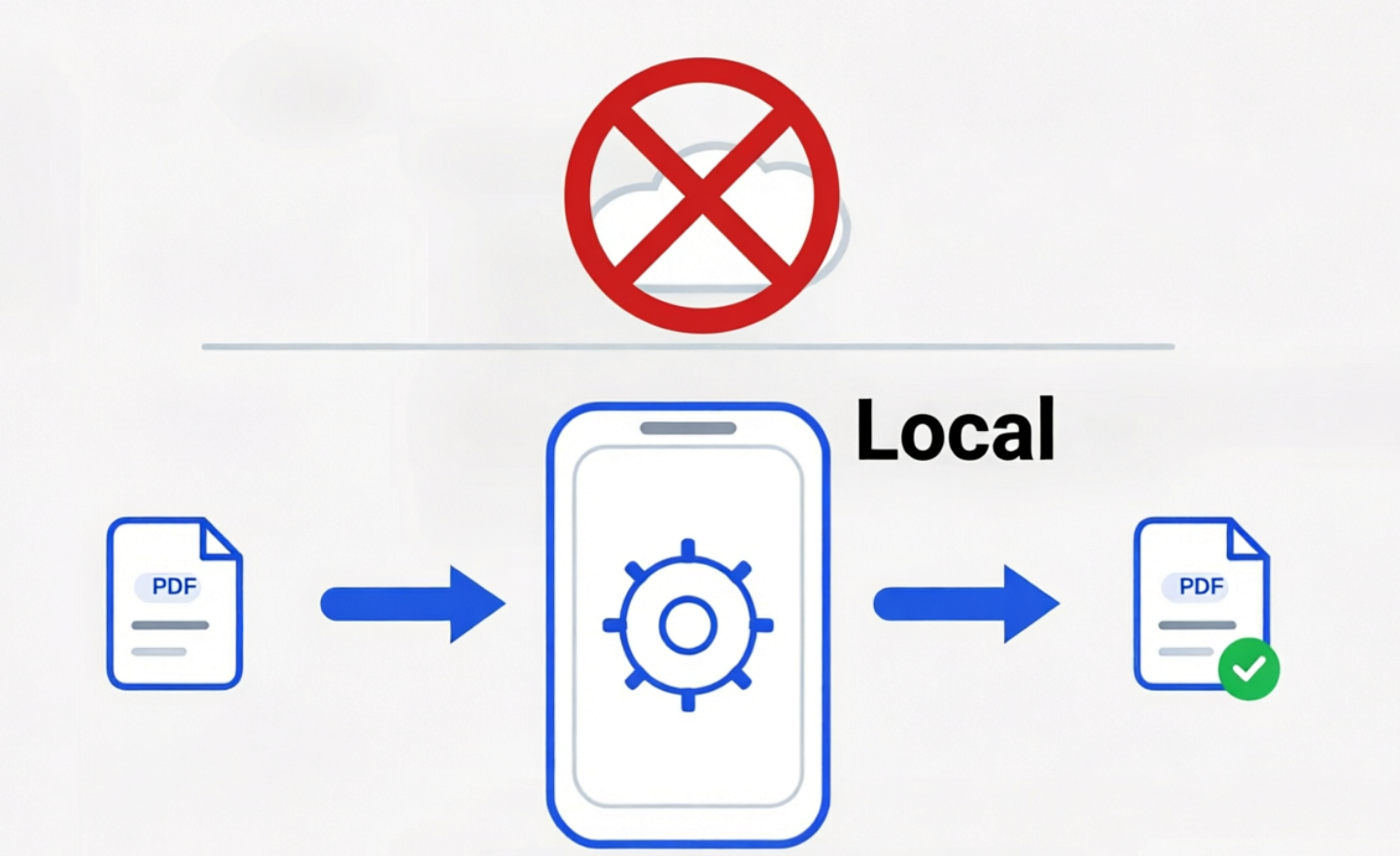
PDF Ready is built for on-device PDF prep. You can import or scan, add a handwritten signature or photo if needed, choose an exact size, and review the prepared result without uploading PDF contents to any server.
On-device PDF contents are processed on-device by default and are not uploaded to PDF Ready servers.
Why people search for this
Passport pages, statements, certificates, and immigration paperwork feel too sensitive for random web converters.
One-off uploads often need a cleaner file, not a cloud workflow or an ongoing editing subscription.
Users want to review the prepared result before paying for the final clean copy.
What PDF Ready does
Keeps the main preparation flow on-device.
Does not require an account for the main preparation flow.
Lets you target exact sizes from 300 KB to 12 MB.
Lets you place one handwritten signature and one photo or image on a compatible PDF before you prepare the output.
Quick trust check
Save a PDF on your device, switch on airplane mode, open it in PDF Ready, and prepare a new version. That confirms the main prep flow works on-device. Purchases and external sharing still depend on connectivity through Google Play or your chosen sharing service.
Popular tasks
Strict size uploads
2 MB, 4 MB, and 12 MB are the clearest routes when you need a file that is ready to upload.
Portal flows
GENERAL, IRCC, and CEAC
Use GENERAL for exact-size jobs, or IRCC and CEAC when that profile matches the destination.
Pricing
Review first, then pay for the final copy
You can review before paying, and the current paid step is the final clean copy for this document. See pricing.