
Prepare sensitive PDFs without uploading them to a web converter
Passports, bank statements, certificates, letters, and immigration supporting documents often contain more personal data than a random web converter needs to see. If you can prepare the file on your own device, that is often the safer default. If you want the shorter landing version of this trust story, see compress a PDF without uploading it.
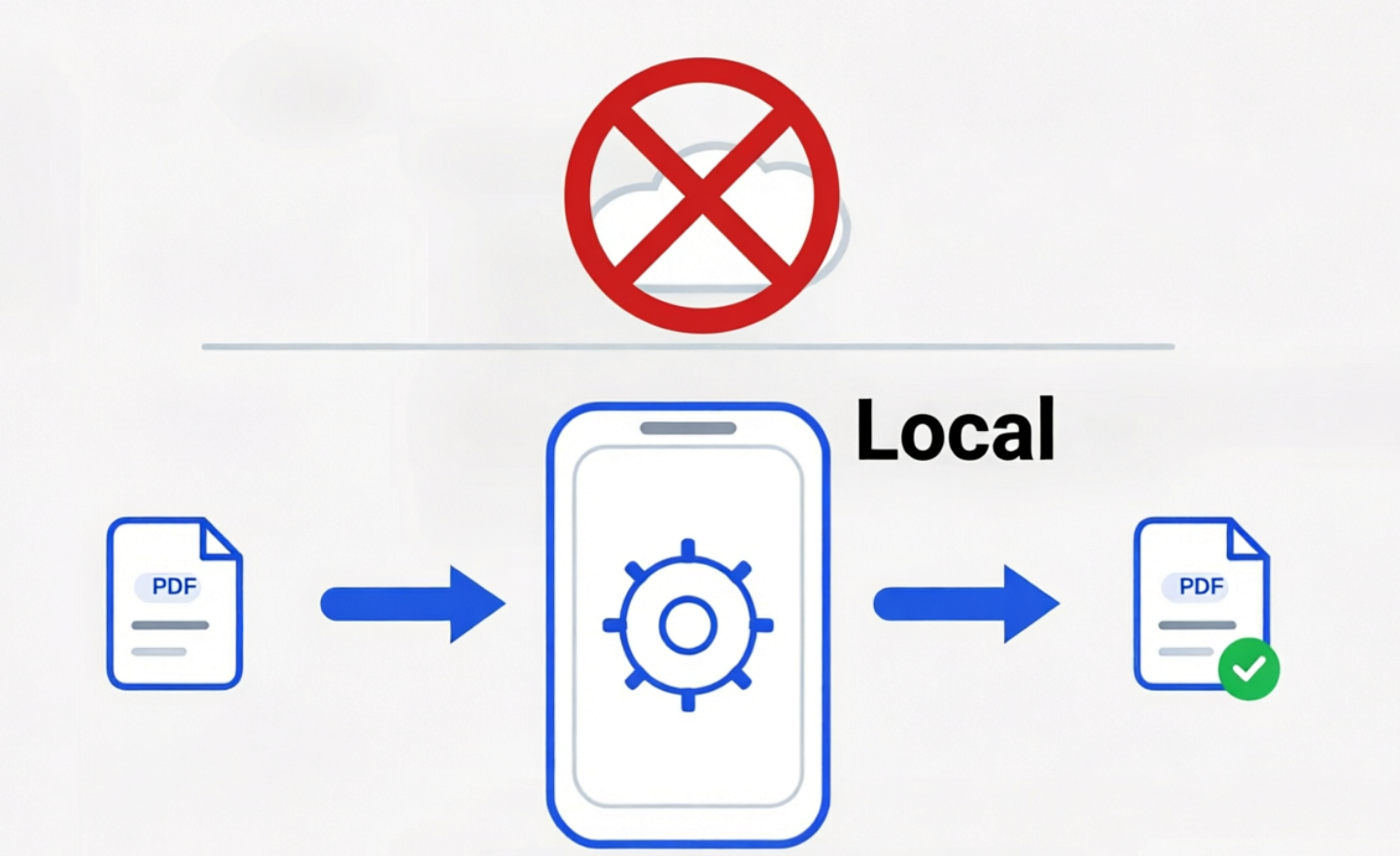
Why this matters
- Sensitive documents can include identity data, addresses, case numbers, and financial details.
- Portal workflows such as IRCC and CEAC often require a cleaner file ready to upload, but not necessarily a cloud conversion step.
- The practical goal is to prepare the PDF for upload without sending its contents to any server.
What PDF Ready does differently
- It prepares the PDF on-device.
- It does not upload PDF contents to any server for conversion, merging, or server-side checks.
- It saves the result in local device storage so you can review, share, or delete it yourself.
Quick trust check
If you want a practical check, save a PDF locally, switch on airplane mode, open that file in PDF Ready, and generate a new version. That verifies the main preparation flow runs on-device. Purchases and external sharing still depend on connectivity.
Where this is especially useful
- When you need a portal-ready copy for a strict upload limit.
- When the source document contains passport pages, statements, certificates, or case-related paperwork.
- When you want to avoid handing sensitive PDFs to random upload-and-convert tools.
Source checked on: 2026-03-26.
Where to go next
- Compress a PDF without uploading it
- Avoid random web converters for sensitive PDFs
- Privacy
- Help
- Choose the right target size
- IRCC file size limits
- CEAC upload requirements
- IRCC
- CEAC
Disclaimer: Not affiliated with any government authority.
Disclaimer: We do not decide acceptance; requirements may change.
References for this page reviewed on 2026-03-26.